Home Office Hacks: Setting Up a Work-Friendly Space
This blog is for marketing purposes only and does not constitute advice.
Working from home can offer great flexibility and convenience, but having the right space can make all the difference to how comfortable and productive your working day feels. Whether you have a dedicated home office or you're making the most of a corner of the kitchen or spare bedroom, a few thoughtful changes can help create a space that's better suited to getting things done.
Choose the right space to work
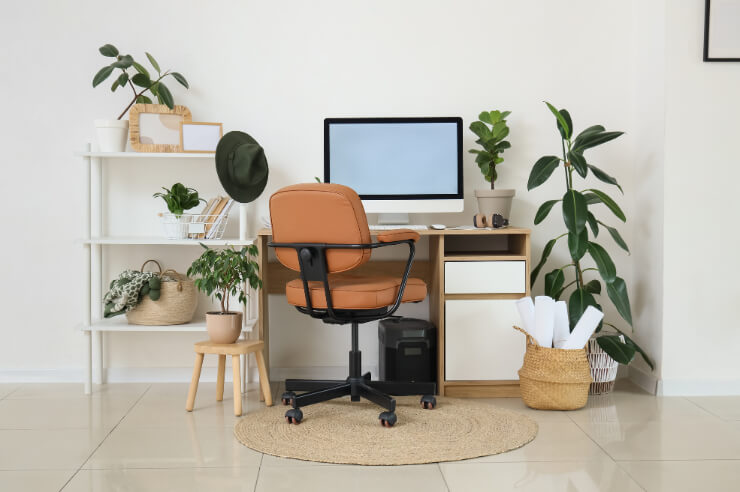
You don't necessarily need an entire room to create an practical home office. A quiet corner with enough room for a desk and chair can work just as well. Where possible, choose an area away from the busiest parts of your home, particularly if you have calls regularly or need to concentrate for long periods.
Creating some separation between your workspace and the rest of your home can also help establish a clearer routine. Even something as simple as keeping your laptop and work equipment in one designated area can make it easier to switch into work mode at the beginning of the day and leave work behind when you're finished.
Make the most of natural light
Good lighting is an important part of creating a comfortable workspace. If possible, position your desk somewhere that benefits from natural daylight without placing your screen directly in front of a bright window, where glare can become distracting.
For darker mornings and evenings, a desk lamp or well-positioned room lighting can help keep your workspace amply lit. You may also find that adjusting the brightness and position of your computer screen makes it more comfortable to use throughout the day.
Set up your desk for comfort
When you're spending several hours at your desk, setup matters. The Health and Safety Authority advises that your workstation should be arranged so you can work comfortably, with sufficient space and a suitable chair. Your screen should also be positioned so that you can view it without regularly bending or twisting your neck.
If you're working from a laptop for extended periods, consider using a separate keyboard and mouse alongside a laptop stand or suitable screen setup. This can give you more flexibility to position your equipment comfortably rather than spending the day looking down at a laptop screen.
Keep your workspace organised
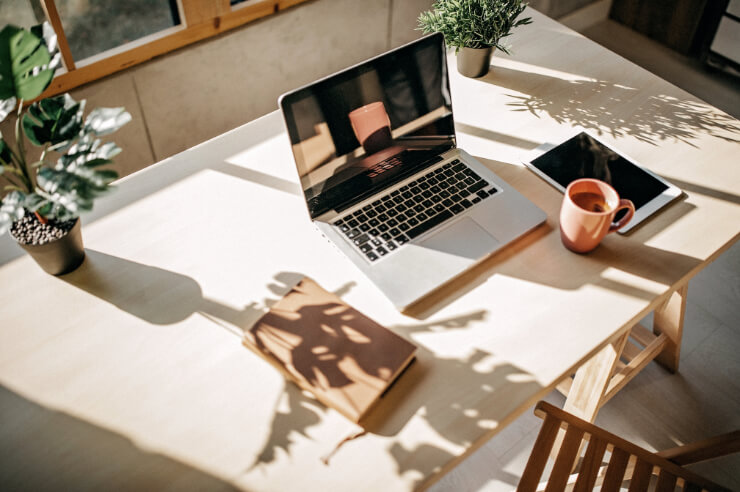
It's surprisingly easy for a home office to become a collection point for papers, chargers, coffee cups and everything else that doesn't have a home. Keeping your desk clear can make your workspace feel more inviting and make it easier to find what you need during the day.
Simple storage can make a big difference. A drawer unit, document holder or a few labelled boxes can help keep paperwork and office supplies organised, while cable organisers can prevent chargers and wires from taking over your desk. At the end of the working day, spending a minute or two resetting your workspace can help you start fresh the following morning.
Reduce distractions
One of the challenges of working from home is that everyday distractions are never far away. Household jobs, deliveries, television and even a well-stocked fridge can all compete for your attention, particularly when you're trying to concentrate.
Creating a routine can help provide some structure. Starting and finishing at roughly consistent times, planning breaks and setting aside periods for focused work can help separate your working day from your time at home. If you share your home with other people, agreeing on when you need some uninterrupted time can also make working from home a little easier.
Don't forget to move
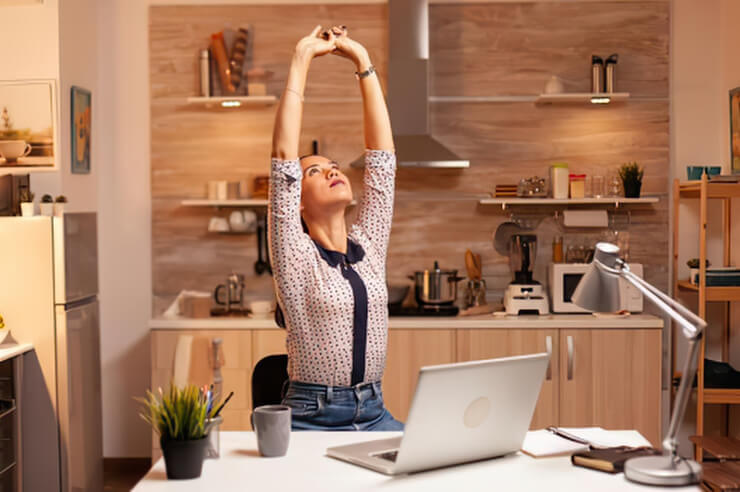
A comfortable desk setup is important, but it's equally if not more important not to spend the entire day sitting in the same position. Taking regular breaks from your screen gives you an opportunity to move around, stretch or simply make a cup of tea before returning to your desk.
Even small amounts of movement can break up long periods of sitting. Walking around while taking a phone call, heading outside during your lunch break or simply getting up from your desk regularly can all help add movement to your working day.
Add a few personal touches
Your home office doesn't have to feel like a traditional workplace. One of the advantages of working from home is being able to create a space that suits you. A plant, framed photograph, favourite mug or a piece of artwork can make your workspace feel more welcoming without adding unnecessary clutter.
Think about the atmosphere you work best in. Some people prefer a clean, minimal desk, while others enjoy having a few personal items around them. The aim is to create a space where you feel comfortable spending time while still being able to concentrate on the task at hand.
Keep your home office secure
If you use valuable equipment such as laptops, monitors or other technology at home, it's worth considering security too. Avoid leaving expensive equipment visible through windows when you're away from home and make sure doors and windows are securely locked.
It's also worth checking your Home Insurance policy to understand what cover applies to equipment used for work. Cover can vary depending on the policy and whether equipment belongs to you or your employer, so checking your policy documents or contacting your insurer can help clarify what's covered*.
Create a space that works for you
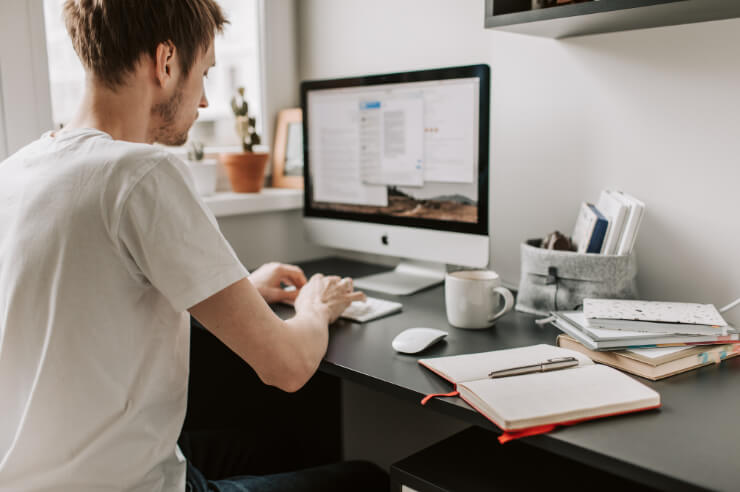
There isn't one perfect home office setup. The right workspace depends on your home, the space available and the type of work you do. You don't need a major renovation or a dedicated office to make working from home more comfortable; sometimes a better chair, improved lighting or a more organised desk can make a noticeable difference.
Taking some time to think about comfort, lighting, organisation and security can help you create a workspace that fits naturally into your home. With the right setup in place, you'll have a space that works for your working day while still allowing your home to feel like home when it's time to switch off.
*For An Post Insurance customers cover limits ,exclusions and terms and conditions are dependent on your insurer and those applicable to you will be outlined in your policy documents.
One Direct (Ireland) Limited, trading as An Post Insurance is regulated by the Central Bank of Ireland. One Direct (Ireland) Limited is a wholly owned subsidiary of An Post .
All the information on this blog is published in good faith and for general information purpose only. While An Post Insurance makes every effort to ensure that the information appearing on this blog is accurate and complete, it does not make any warranties about the completeness, reliability or accuracy of this information, whether express or implied, including but not limited to implied warranties of merchantability, fitness for a particular purpose or non-infringement. Any action you take upon the information you find on this blog is strictly at your own risk. An Post Insurance will not be liable for any direct, indirect or consequential losses and/or damages in connection with the use of, or action taken in reliance on information contained in our blog.
Through this website you are able to link to other websites which are not under the control of An Post Insurance. We have no control over the nature, content and availability of those sites and if you click on links to these websites you will be subject to the terms and conditions of those sites. The inclusion of any links does not necessarily imply a recommendation or endorse the views expressed within them.







8a73af6f54054f16b15062043cb66438.jpg?sfvrsn=bc76e041_2)
-(1).png?sfvrsn=31f68218_2)
.png?sfvrsn=ba780c52_2)



.png?sfvrsn=debd4097_2)